Project Explorer · working sheet

Seeds of the Throne

Seeds of the Throne began as years of conversations and thousands of story ideas. The Project Explorer shows how those ideas are being organized into characters, a world, a timeline, and a finished series.

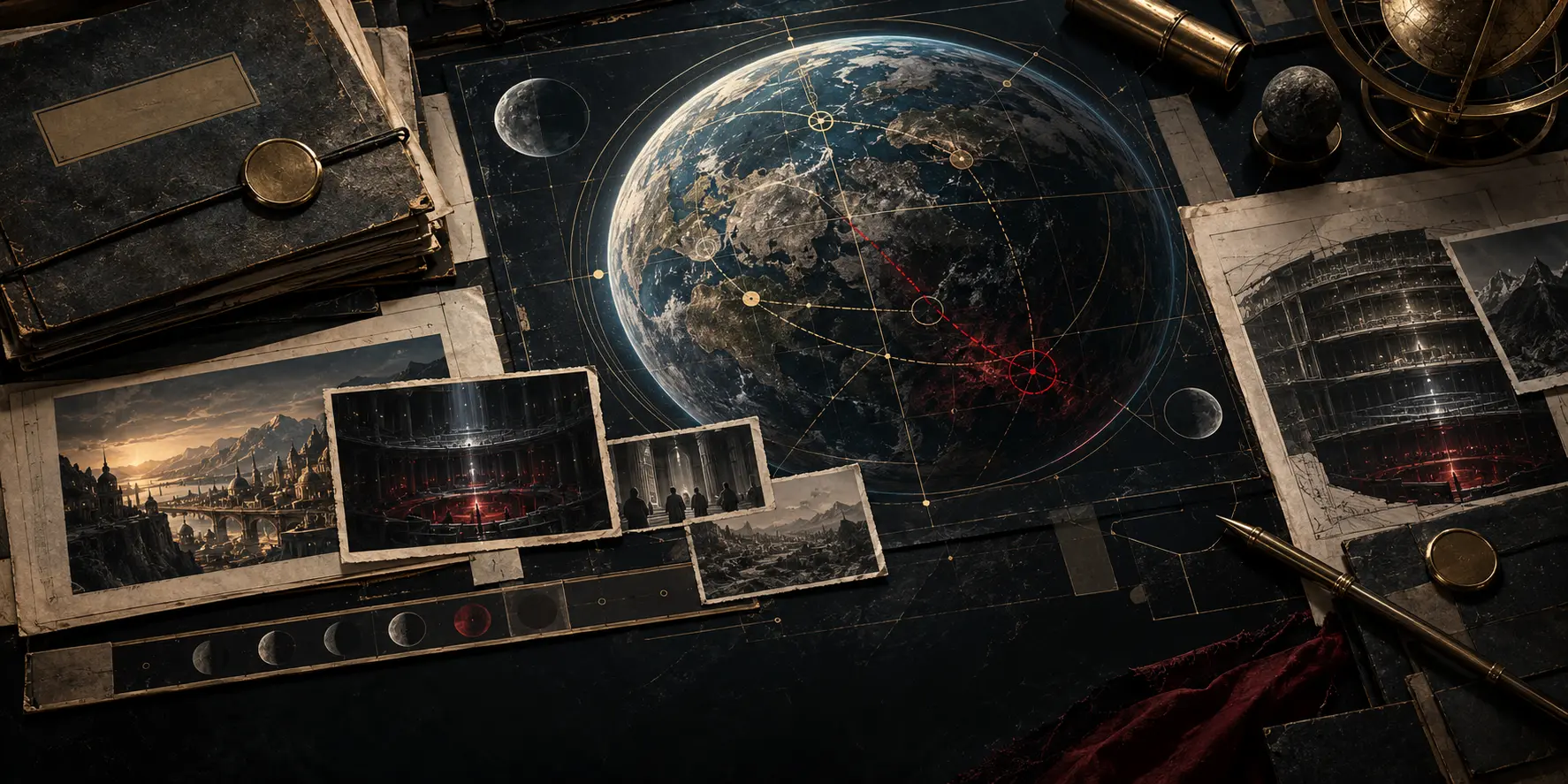
Interpretive still life of recovered records aligned against hidden-system evidence.

Recovered records held against the working evidence.

Story development tools

See how the authoring system turns ordinary language into finished story work.

The Project Explorer shows the live notes, decisions, and workshop used to develop Seeds of the Throne. Each step keeps confirmed decisions separate from suggestions and unanswered questions.

This is a public, read-only look at the real project, so it contains full spoilers. You can try the workshop, but your draft stays in this browser unless you export it.

  1. The author explains the story in ordinary language.

    The system records those ideas and separates confirmed decisions from suggestions and unanswered questions.

    Read how the system is designed
  2. The current workshop asks one consequential question at a time.

    Each question helps the author decide a missing cause, character choice, relationship, world rule, or event.

    Open a workshop question
  3. Accepted answers are added where they belong.

    An accepted decision can update character notes, the timeline, world rules, plot events, and the list of remaining questions.

    Review decisions and supporting information
  4. Use the completed plan to write and revise scenes.

    The planned system will create scene outlines, draft prose, check continuity, revise weak sections, and assemble the manuscript for the author's approval.

    Read the system plan

Seeds of the Throne is the working example. The notes, decisions, and workshop below are the live project, not a demonstration mockup.

Vault overview

See the whole story-development system at a glance.

605 notes work together as one system. The vault remembers where ideas came from, what the author decided, what remains uncertain, and what should happen next.

The vault turns conversations into organized story memory. It preserves sources, separates decisions from suggestions, finds missing connections, supports research and workshops, prepares scenes and prose, checks continuity, and publishes selected material without surrendering author control.

  • Working now Capture, memory, workshops, and research already operate.
  • Needs repair Current-state agreement, automatic checks, and decision updates still drift.
  • Planned next Durable answers, manuscript production, and mobile save are not built yet.
  1. Capture

    Conversations, mobile notes, and raw ideas are preserved.

  2. Understand

    Current context and compiled notes explain what the project means now.

  3. Decide

    Workshops ask one important question and preserve the author's answer.

  4. Develop

    Research, alternatives, story structure, and focused tests strengthen the work.

  5. Create

    Scene plans, prose, images, and manuscript material are produced for review.

  6. Share

    Selected material becomes the story site, Project Explorer, and public posts.

What lives where

Each area has a job. Folder names are secondary detail.

  • New material

    Preserves incoming ideas and the order in which they developed.

    00 Inbox, 01 Sessions

  • Story memory

    Keeps the detailed working knowledge and a smaller briefing used to resume work.

    02 Story, 03 Context

  • Research

    Separates questions, reports, and usable findings from story decisions.

    04 Research

  • Public work

    Holds reviewed material prepared for readers.

    05 Public

  • Drafts

    Holds scenes and manuscript candidates awaiting review.

    06 Draft

  • Decisions and direction

    Records choices, contradictions, current work, handoffs, and verification.

    07 QA, 07 Coordination

  • Development tools

    Diagnoses missing connections and tests possible story directions.

    08 Story Loop, 09 Story Exploration

  • Reusable methods

    Provides repeatable methods for writing, research, images, websites, and checks.

    skills, scripts

What already works, what needs repair, and what is still planned

Working well

  • Idea and session capture
  • Human-readable story memory
  • Author authority and decision boundaries
  • Research kept separate from story truth
  • Workshop questions that wait for an answer
  • Decisions, contradictions, and open questions
  • Visual identity and image controls
  • Markdown files and recoverable history
  • Searchable file access

Needs repair

  • One trustworthy current-state view
  • Automatic checks before a change is merged
  • Shared labels and stable record identifiers
  • Updating every affected note after a decision
  • Keeping the weekly cycle current
  • Clearer boundaries around older folders
  • A cleaner split between the repository and the live site

Planned next Not built yet

  • Durable integration of conversational answers
  • Automatic reports of what a decision would change
  • Complete scene-to-manuscript production
  • Manuscript assembly and export
  • Reliable mobile save, resume, and synchronization

The next build order

  1. Make builds and checks reliable.
  2. Create one trustworthy current state.
  3. Normalize the records for one small complete path.
  4. Connect accepted decisions to every affected file.
  5. Prove one complete path from conversation to approved manuscript material.
  6. Expand only after that path works.

Current story development

See what the story already has and what it still needs.

The system checks the whole story for missing causes, weak character decisions, unclear rules, and unfinished events. The results show the author what to work on next.

Current story premise

The colonization process trains participants and contains dangerous criminals.

Humanity developed the Luminai inside an interactive colonization environment. Sylvan and his Luminai are tested against Samuel Franklin, a criminal already held inside the containment process.

The current story problem Make the formal separation, rapid financial collapse, processing, exposure, and accepted placement feel inevitable.

Read the current story assessment

0 / 10major story problems resolved

Current development pass0%
0%
Current sweep
Reassessment
Current task
RW-01
  1. 01 Reassessment
  2. 02 Causal sequence
  3. 03 Character agency
  4. 04 Systems + evidence
  5. 05 Scene design
  6. 06 Draft

Story files

Browse the files used to develop the story.

Search 605 documents about the world, characters, plot, research, decisions, workshops, and earlier ideas.

Current document iainreiddotdev/docs/DEPLOYMENT.md

Deployment

The repository keeps the existing cPanel Git deployment flow.

Deployment target:

/home/iainmcok/public_html/devsite/

The portfolio application remains in the repository subfolder:

/home/iainmcok/public_html/devsite/iainreiddotdev/

Recommended permissions after deployment:

find ~/public_html/devsite -type d -exec chmod 755 {} \;
find ~/public_html/devsite -type f -exec chmod 644 {} \;

URL mapping

The public document root is public_html/. The repository deploys to public_html/devsite/, while the portfolio remains in its iainreiddotdev/ subfolder. The application is therefore served under https://iainreid.dev/devsite/iainreiddotdev/ (for example the VibeKB page is https://iainreid.dev/devsite/iainreiddotdev/saas-lab/). The shared account system lives under the same base path (/devsite/iainreiddotdev/auth/..., /devsite/iainreiddotdev/admin/). This base path is configured in one place: includes/config.php.

The Seeds static atlas remains at /devsite/docs/, while vault files retain their repository-relative paths beneath /devsite/.

Shared account system (VibeKB)

The complete tracked repository deployment includes this application's auth/, admin/, data/, and scripts/ directories in their existing nested location. The VibeKB portfolio page is served by saas-lab/index.php. See docs/AUTH.md for the full account-system guide.

Database directory must be writable

The SQLite database is created at runtime at ~/public_html/devsite/iainreiddotdev/data/saas-lab.sqlite. SQLite also writes journal/lock files in that directory, so data/ itself must be writable by the PHP user. Ownership matters more than the numeric mode; on this host PHP runs as the site user, so owner-write suffices. Least-permissive starting point:

chmod 750 ~/public_html/devsite/iainreiddotdev/data
# after the DB is created:
chmod 640 ~/public_html/devsite/iainreiddotdev/data/saas-lab.sqlite

Do not use 777. The blanket chmod above still leaves data/ owner-writable.

Create the first administrator (on the server)

cd ~/public_html/devsite/iainreiddotdev
SAAS_LAB_ADMIN_PASSWORD='strong-password' \
  php scripts/create-admin.php --name="Iain Reid" --email="admin@example.com"

Verify the database is not reachable over HTTP (required post-deploy test)

curl -I https://iainreid.dev/devsite/iainreiddotdev/data/saas-lab.sqlite

Expected: 403 Forbidden (404 also acceptable). A 200 / file download is a deployment blocker — fix data/.htaccess and permissions before proceeding.

Gated experiments (x/)

The deployment includes the x/ directory (gated experiment routes, e.g. x/hello.php served at https://iainreid.dev/devsite/iainreiddotdev/x/hello.php). Because the complete tracked repository is published, application documentation and experiment templates are also present beneath the nested application folder; they remain development material rather than application navigation.

Stale gated-route files (important)

The cPanel deploy is copy-only — it never deletes files the repository removed or renamed. If you rename or replace a gated route, the old, possibly ungated file stays live on the server and can bypass the gate. After any such change, remove the stale file over SSH, for example:

rm -f ~/public_html/devsite/iainreiddotdev/x/old-name.php
# or an entire renamed experiment folder:
rm -rf ~/public_html/devsite/iainreiddotdev/x/old-slug

Then re-verify the old URL returns 404 and the new one is gated. See docs/EXPERIMENT_VISIBILITY.md for the full verification procedure.